
Blog
AUTEUR : InsituaFX (Londres, Royaume-Uni) - créateurs du logiciel BlueFX. Avec des décennies d'expérience dans les logiciels d'impression photographique et les solutions de flux de travail pour les marques d'imagerie, y compris Fujifilm. Pour plus d'informations, voir À propos de nous.
![Utilisez le RIP BlueControl pour créer vos propres paquets photographiques sans effort. Imprimez ensuite votre commande par lot en un seul clic ! [fr] ; Utilisez BlueControl RIP pour créer facilement vos propres packs photo. Imprimez ensuite votre commande en une seule fois ! [fr] ; ¡Utilice BlueControl RIP para crear sus propios paquetes fotográficos sin esfuerzo ! ¡Luego imprima su pedido en un solo clic ! [es] ; Utilisez le BlueControl RIP pour créer vos propres albums photo. Vous pouvez ensuite imprimer votre liste de lots en un seul clic ! [de] ; Utilisez BlueControl RIP pour créer facilement vos pochettes photos. Ensuite, vous pouvez imprimer votre commande par lots en un seul clic ! [it]](https://insituafx.com/wp-content/uploads/2021/07/OUT-OF-ORDER-PACKAGE-PRINT-e1627656009585.png)
Epson SureLab Order Controller receives and manages photo orders for compatible Imprimantes Epson SureLab. It uses presets to help a lab prepare sets of photographs, check the job and make image adjustments before printing.
That covers a great deal of everyday production. The next challenge often comes from the way a particular lab has to sort, print and pack its work.
One SureLab D3000 school photography customer ‘down-under’ came to IFX with a familiar request. Each child’s order could contain several print sizes, but the complete package still had to come off the printer in the right child order.
That order matters on a busy packing bench. If a child’s prints are split across the batch or arrive in the wrong sequence, the saving made at the printer is quickly lost while staff sort the work by hand.
Each child’s package had to stay together from the first print to the last.
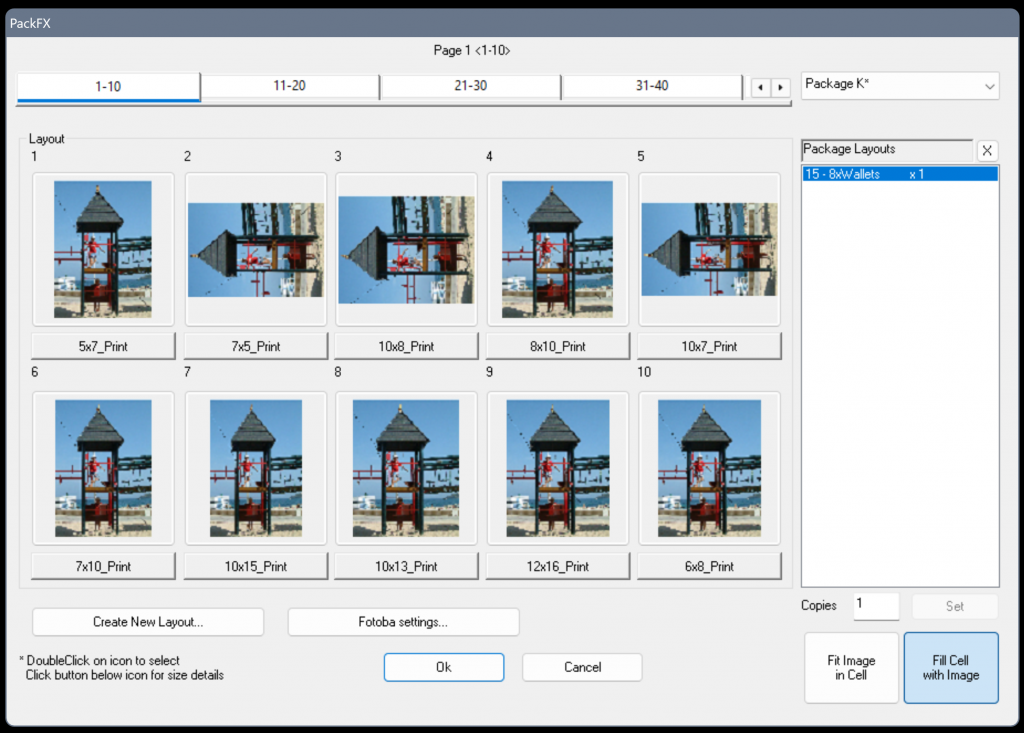
BlueFX builds the required photo packages on the fly, as the order is processed. A package can contain several print sizes, while BlueControl keeps the child’s order together and sends the work through production in the sequence the lab needs.
The lab can keep Epson SureLab Order Controller in the route where that suits its established workflow, or send work directly to supported SureLab printers. Address labels, order separators and custom backprinting can be added at the same time, so the printed photographs arrive at packing with the information staff need – putting the lab in full control.
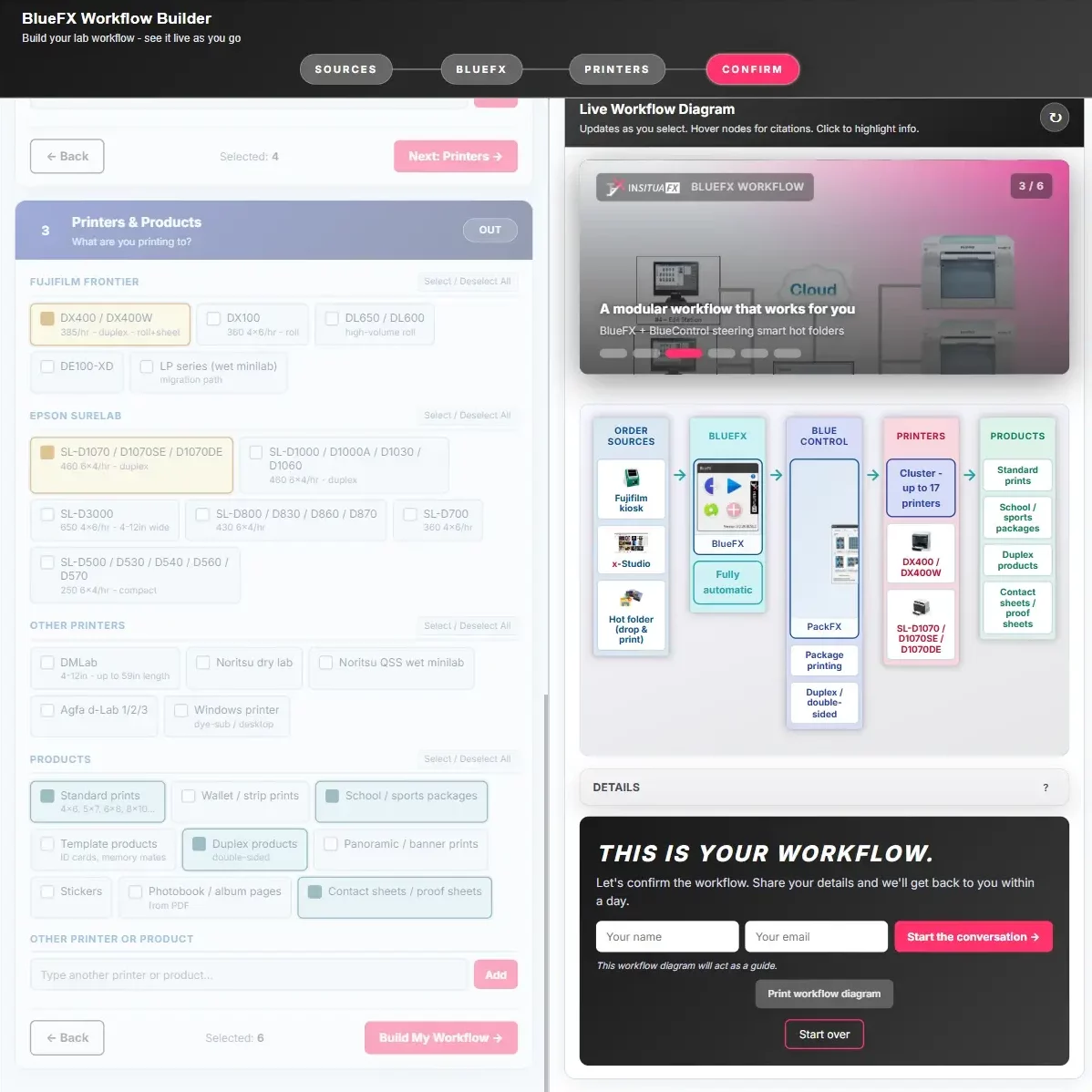
Une application web interactive gratuite, conçue par InsituaFX, pour les laboratoires à sec, les minilabs, les laboratoires de photos scolaires, les laboratoires d'événements et les studios à haut volume.
Cartographiez vos sources de commande, vos fonctionnalités de flux de travail et votre routage d'imprimantes sous forme de diagramme en direct en quelques minutes.
The story did not stop with the D3000. When the lab updated its printer room, the same school workflow could move to several Epson SureLab D1000-series printers without changing the way the orders were prepared.
BlueControl can run the D1000-series printers as a cluster and route the work across them according to the lab’s setup. It can see when one printer is unavailable – paper out, for example – and automatically send waiting work to a D1000 that is ready. If part of an order has already printed, the operator can reprint only the part still required on another D1000. Meanwhile, the rest of the cluster can carry on with other work.
If a current supported Epson stops part-way through an order, BlueControl works with the printer’s own recovery: once the fault is cleared, that printer can continue the order from the point it reached rather than starting again.
The move also opens a route to automatic double-sided products where a duplex-capable D1000-series model and feeder are part of the setup. BlueFX still keeps each package, child order, label, separator and backprint instruction together before the job reaches the printer.
For staff, the order still arrives, prints and packs in the familiar way. The printer room changes; the school workflow does not.

The original D3000 request was about keeping packages in the right order. BlueFX can now help at an earlier point too, when the photographs need a final check before they are released for printing.
En Image Preview, the operator can see the intended print crop at a useful size, move through the order and compare the original photograph with the prepared result. Familiar CMYK controls are available for a measured manual adjustment. The E/C/W Space Pad provides a quick way to adjust exposure, contrast and warmth, while IFX can prepare an image when a restrained automatic correction is better suited to the volume of work.

Once the photographs are ready, Manual Mode sends the order on using the product and printer route the lab has set up. The lab decides where it wants the final image check and production hand-off to take place.
BlueFX keeps the different print sizes for each child or customer together and preserves the order needed at the packing bench. The batch can also be reversed when that better matches the way the work will be packed.
Labs that already use Epson SureLab Order Controller can continue to send work through it. BlueFX adds the package, sequence and production information around the job, so a workflow that already works can stay exactly as it is.
Address labels, order separators and impression dorsale personnalisée can travel with the photographs. Staff can see where one order ends and the next begins without having to reconstruct the batch after printing.
The operator can check crop and colour in BlueFX, compare the result with the original and then send the approved job to the required product and printer. This is useful when a school, event or studio order deserves a careful look before it goes to print.
A D1000-series cluster gives the lab more than one route through production. If BlueControl sees that one printer is unavailable – because it is out of paper, for example – it automatically sends waiting work to a D1000 that is ready. The operator can reprint a complete order or only the required part, while the other printers continue with their own work.
Epson SureLab Order Controller is Epson’s own order-management software for compatible SureLab printers. It receives photo orders, helps the lab prepare and check the job, and sends the work to print. Epson provides full details of its Order Controller features and compatible printers.
Epson provides product and support information for Order Controller. Your Epson SureLab dealer or local Epson office can advise on software and installation support. BlueFX works alongside Order Controller when that is part of the lab’s setup.
Yes. BlueFX can prepare the order and send it through Epson SureLab Order Controller where that suits the lab’s workflow.
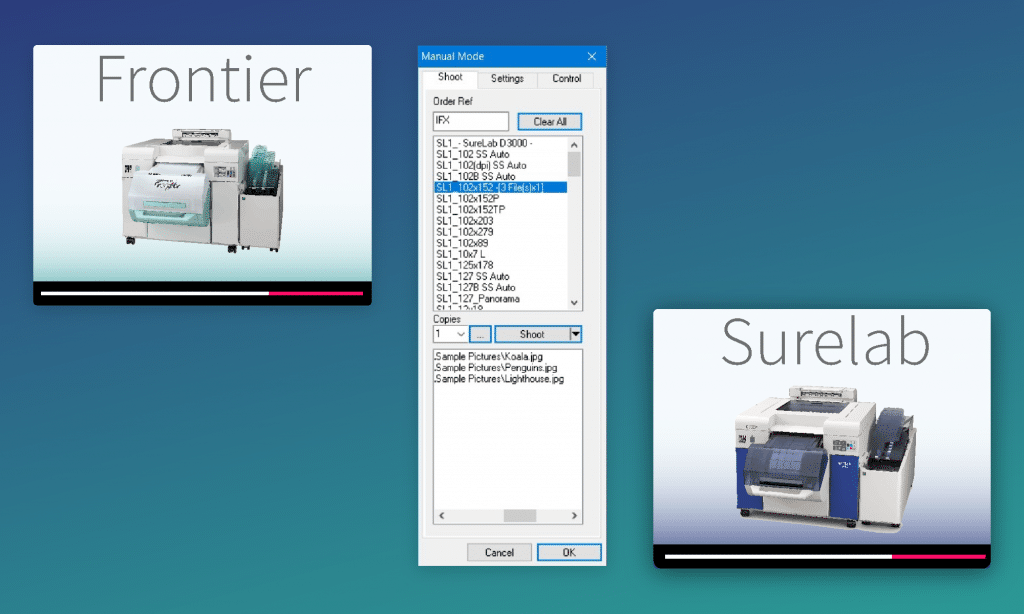
Yes. BlueFX can also send work directly to supported Epson SureLab printers. The route is chosen to suit the printer estate and the way the lab wants to work.
BlueFX can support that move. BlueControl can route work across several supported D1000-series printers while BlueFX keeps the package, child order, labels, separators and backprinting together. The number of printers and media setup is planned around the lab’s volumes and product range.
BlueControl works with the automatic recovery built into current supported Epson SureLab printers. Once the fault is cleared, the printer can continue the order from the point it reached instead of printing the whole job again. In a cluster, the other printers can continue with their own work while that printer is attended to.
BlueControl detects that the printer is unavailable and automatically sends waiting work to another D1000 that is ready. If part of an order has already printed, the operator can reprint only the part still required on another D1000 that is ready.
Yes. The operator can choose to reprint the complete order, or only the part still required, on another supported D1000 in the cluster.
Where a duplex-capable D1000-series model and the appropriate feeder are part of the setup, yes. BlueFX supports the duplex workflow so front and back are prepared as part of the same product.
Yes. PackFX can bring several print sizes into one package, while BlueControl keeps the photographs together in the required customer or child order.
Yes. BlueFX can reverse the batch when that makes it easier to pack the finished work in the required sequence.
Yes. BlueFX Image Preview shows the intended print crop and provides original-versus-prepared comparison, familiar CMYK controls, the E/C/W Space Pad and iFX preparation before the job is released.
Yes. BlueFX can add address labels, order separators and custom backprinting as part of the production workflow.
Non, le contrôleur de commande Epson SureLab est conçu spécifiquement pour être utilisé avec les imprimantes Epson SureLab.
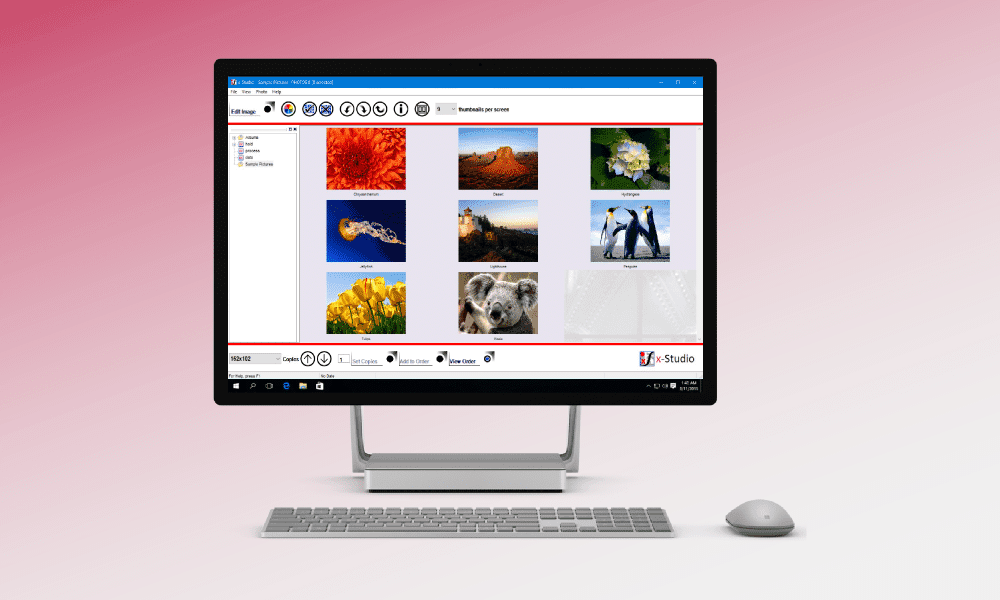
BlueFX dispose d'outils simples et puissants pour faire de votre flux de travail idéal une réalité. Voyez comment...