
Blog
AUTHOR: InsituaFX (London, UK) – creators of BlueFX Software. With decades of experience in photographic printing software and workflow solutions for imaging brands including Fujifilm. For more info see Abouts Us.
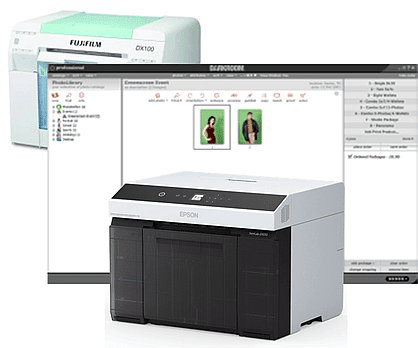
Darkroom Software is a powerful program that is widespread in bulk processing pictures whether for Schools, Events or Sports photography.
Previously, the Fuji DX100 inkjet printer has provided a convenient direct printing option, but as labs look to move on from the DX100, BlueFX makes the transition to the newer SureLab D1000 series seamless, allowing existing Darkroom users to keep working exactly as they always have.
But how does that work in practice?
Whilst having a close integration into Express Digital Darkroom©, the DX100 is an aging device. Users are considering a range of requirements going forwards such as performance, roll widths, and new product possibilities.
NOTE: if you are moving from the older Fujifilm DX100 to the newer Frontier DX400/DX400W line, the same Print-by-Proxy process still applies. See our DX400/DX400W update for the current context.
But why change now?
Epson have recently launched a new Epson SureLab – the SL-D1000 series (D1000/D1000A, D1030, D1060 & D1070) which it has termed a ‘game changer’. It replaces the previous D700/D800 series which have much in common with the Fuji DX100. The D1070 printer comes in two versions: D1070SE and D1070DE.
Yes, the D1070SE/D1070DE can be used with Darkroom via BlueFX’s Print-by-Proxy, just as with the earlier DX100 model.
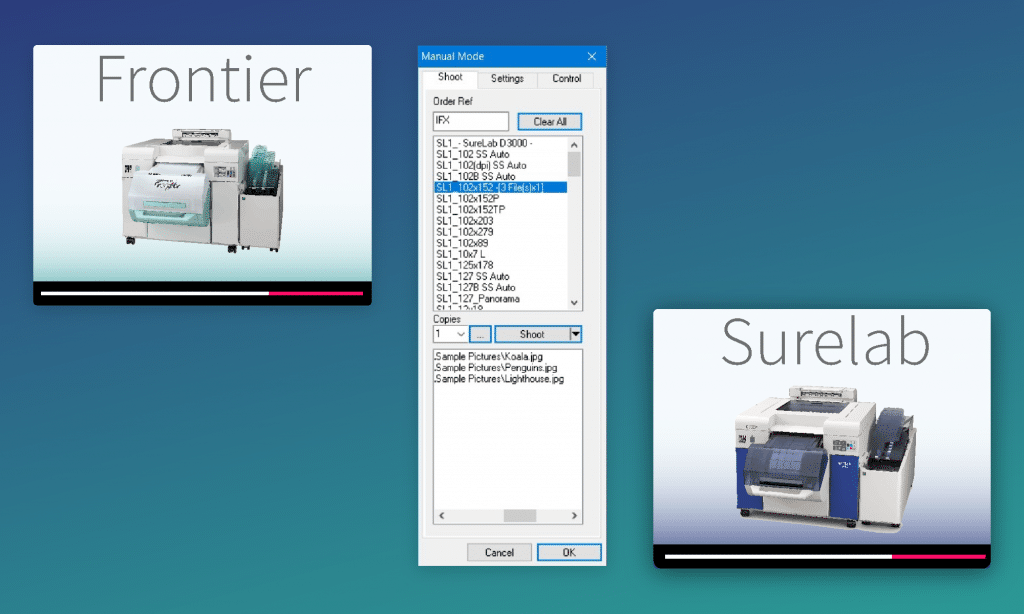
What is Print-by-Proxy?: Darkroom outputs print jobs to a special minilab which BlueFX uses to redirect those job files to the supported target printer (e.g. Epson SureLab SL-D1070) seamlessly.
In this setup, Darkroom ‘prints’ jobs to selected minilabs. BlueFX monitors those job files and imports them to be printed to the D1070 behind the scenes. This means you don’t need to leave Darkroom, create multiple printer setups, or handle output manually. BlueFX handles the redirection automatically.
Darkroom’s own documentation notes that you can use multiple printers to access a wider selection of sizes. It also describes nesting printer drivers to print multiple sizes, and flags that approach as an advanced process. For a concrete walkthrough of adding more than one printer entry to cover size combinations (e.g., 2×6, 4×6 and 6×8), see this Print Alternate example.
In the workflow described in this post, you don’t have to build that printer list just to cover size combinations. Darkroom still outputs as normal, but BlueFX can create the required size and route the job to the D1070 automatically.
You can print standard sizes directly, and custom sizes can be created on the fly by BlueFX when needed. The workflow remains familiar for Darkroom users, while enabling support for the newer D1000 series (inc. Fujifilm DX400/DX400W) without additional complexity.
This matters most when you are aiming for unattended fulfilment: mixed-size orders arriving from kiosks, web ordering, or CSV-based batch intake. Put simply, this is where “custom print sizes on the fly Epson SureLab” stops being a wish-list item and becomes a production requirement.
If the job stream contains a mixture of sizes, the “multiple printers for sizes” approach becomes a maintenance task. BlueFX’s job import and routing keeps the operator workflow stable while handling size creation and output automatically.
It’s the method where Darkroom keeps outputting print jobs as normal, and BlueFX redirects those job files to the target printer behind the scenes. This lets you keep Darkroom as your operator workflow while moving to newer printers.
Darkroom documents the “multiple printers for sizes” workaround. With BlueFX Print-by-Proxy, Darkroom can keep outputting in a familiar way while BlueFX handles size creation and routing to the D1070, so you’re not forced into a long list of printer entries purely to cover output sizes.
Many labs look for an Epson SureLab OrderController alternative when they need automation beyond a hardware‑centric workflow tool, especially when job intake comes from kiosks, web ordering, or CSV-based batch processing.
BlueFX is third-party workflow software designed for production printing, and it keeps the operator workflow stable while handling routing, sizing and output control.
Duplex output tends to increase the need for reliable job intake, routing, and unattended fulfilment. If you are researching a Fujifilm DX400W double sided printing workflow, the same production method: job intake → routing → output – still applies.
Yes, job image folders can be exported from Darkroom, either by themselves or with an accompanying CSV file. See our Pro Photo Printing Software page to learn more about making photos from a CSV file.
Reviewed by the InsituaFX Engineering Team
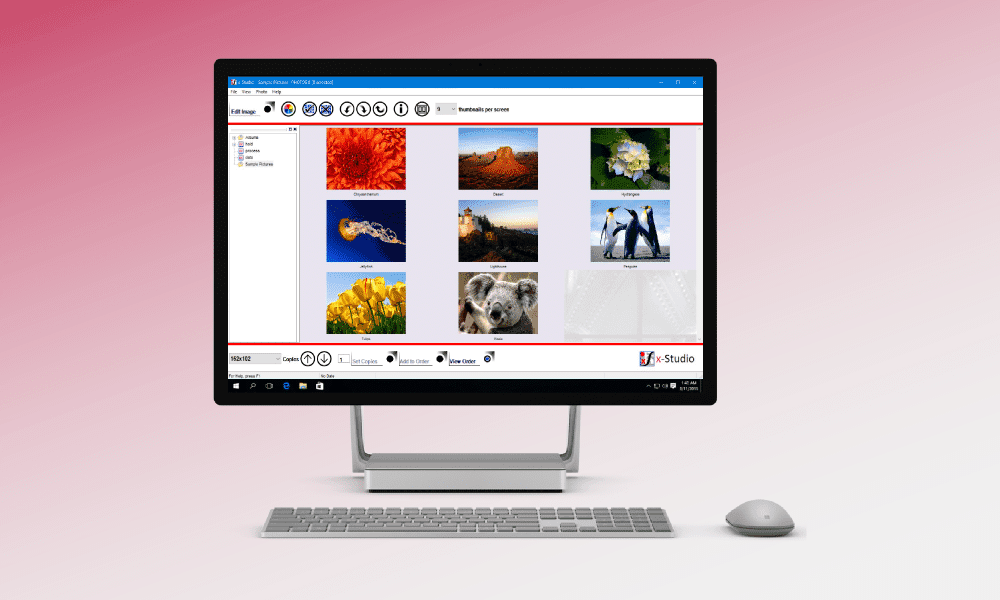
BlueFX has simple, powerful tools to make your ideal workflow a reality. See how…